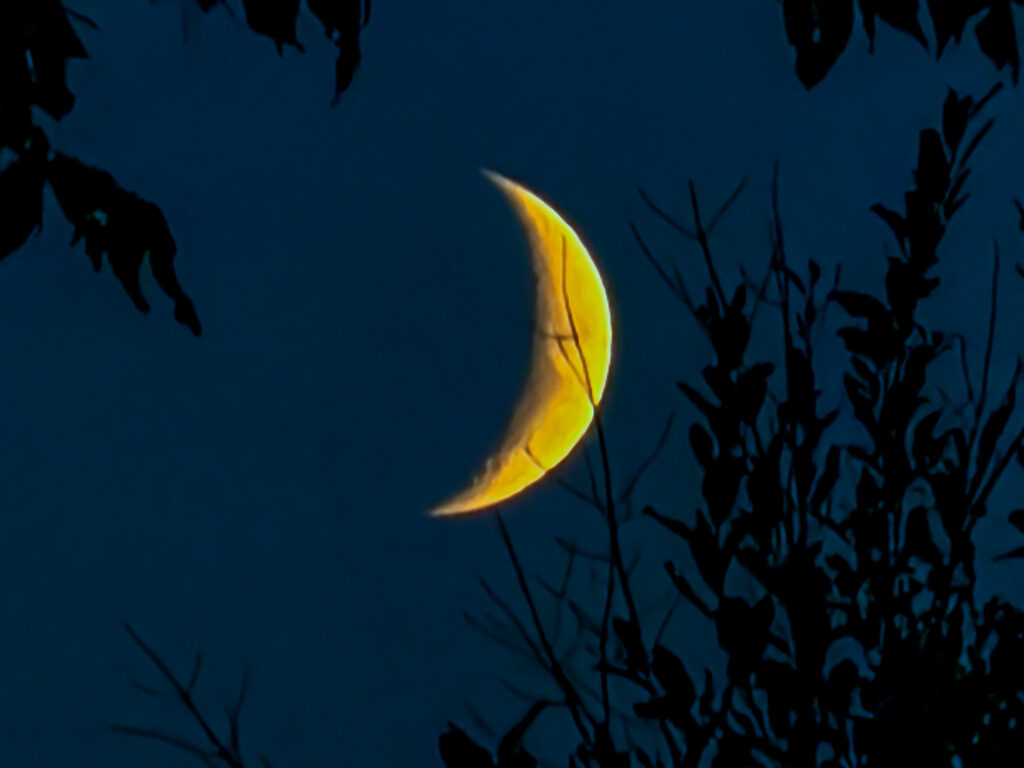
The other night the moon was a beautiful crescent, and the only camera I had on me was my iPhone. So I used it!
Although I wouldn’t recommend doing moon photography with an iPhone if you’re serious about taking super high quality nature photos, I also wouldn’t discourage you from trying it.
The iPhone camera results can be bad, yes, but there are a few things you can do to make your iPhone moon photos the best they can be.
Here’s how.
How to take (better) photos of the moon with an iPhone:
- Go outside after dark under a cloudless sky. Even just half an hour after sunset is dark enough.
- Set your iPhone on a solid surface, preferably a tripod.
- Open the camera and point it towards the moon. Zoom in to the maximum distance. (I used my 8x lens on my iPhone 17 Pro and digital zoomed in to almost 40x)
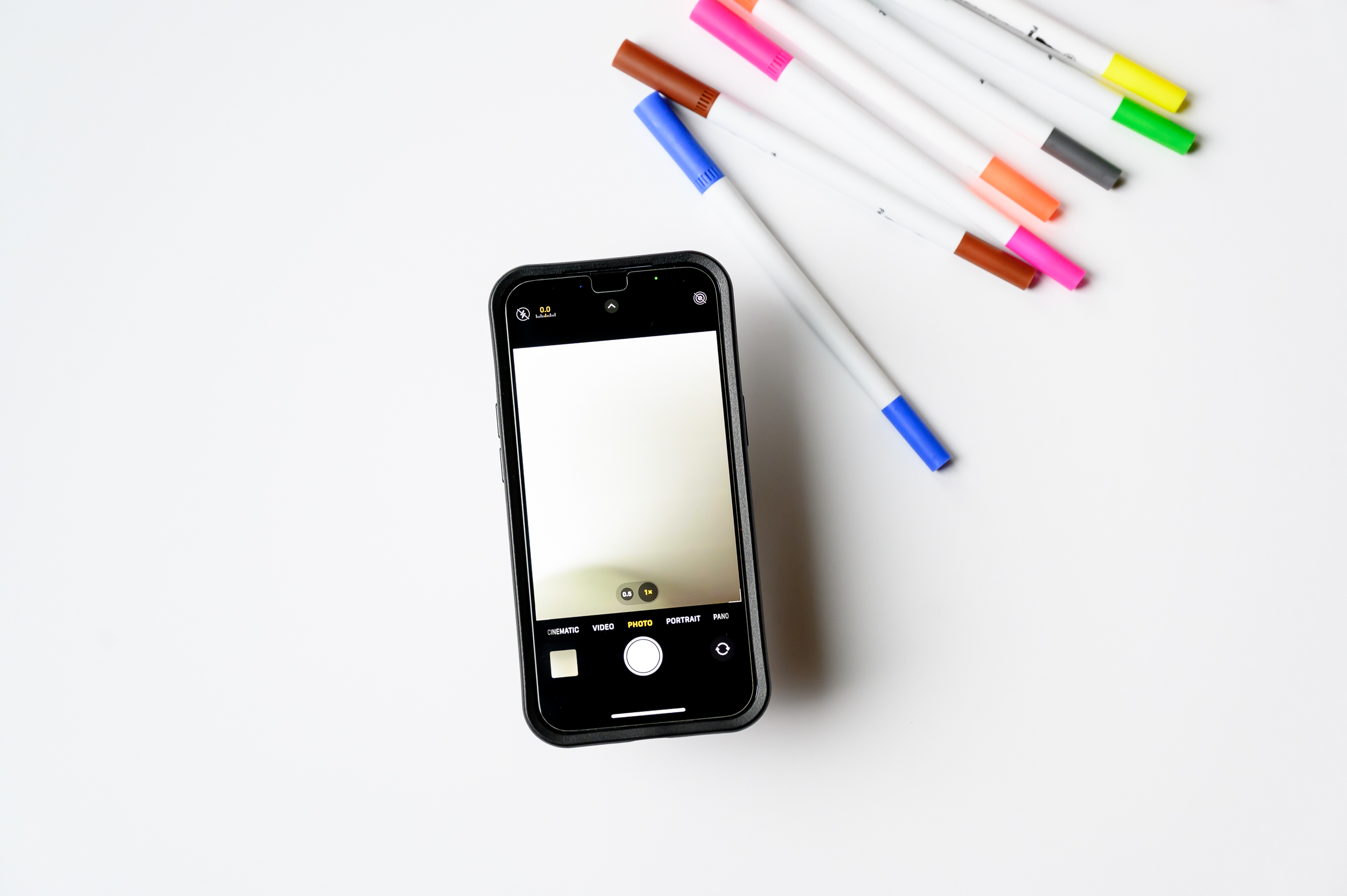
- Using your finger, tap and hold on your camera screen to lock the Auto-Exposure/Auto-Focus (AE/AF Lock) function. Scroll the sun icon down until you get your preferred exposure (I like it a bit darker).
- Click the shutter with your finger to take the photo, being careful not to shake the camera. (To 100% avoid camera shake, you can use an iPhone tripod’s bluetooth remote to click the shutter from a distance.)
|
|
How to edit your moon photo in Lightroom Mobile:
- Import the photo in Lightroom Mobile.
- Boost the contrast, then adjust the colour, textures, sharpening & noise reduction. Feel free to copy my editing settings:
- Contrast +33
- Highlights -53
- Shadows +99
- Whites -56
- Blacks -70
- Colour Temp -39
- Colour Tint 0
- Saturation +16
- Effects – Textures +8
- Effects – Clarity +9
- Detail – Sharpening 123
- Detail Noise reduction 79
|
|
And the final result:
|
|
The next night I saw the moon again (this time, just a minute after sunset) and decided to try it again:
|
|
So wherever you find yourself on the planet tonight, look up and try taking a photo of the moon with your iPhone camera. It may not be a perfect photo, but it’s a fun way to capture the night sky with something as simple as the camera in your back pocket.
_______________________________
Get more iPhone photography tips and tutorials from Gabrielle sent straight to your inbox.
↓
Subscribe for free here.